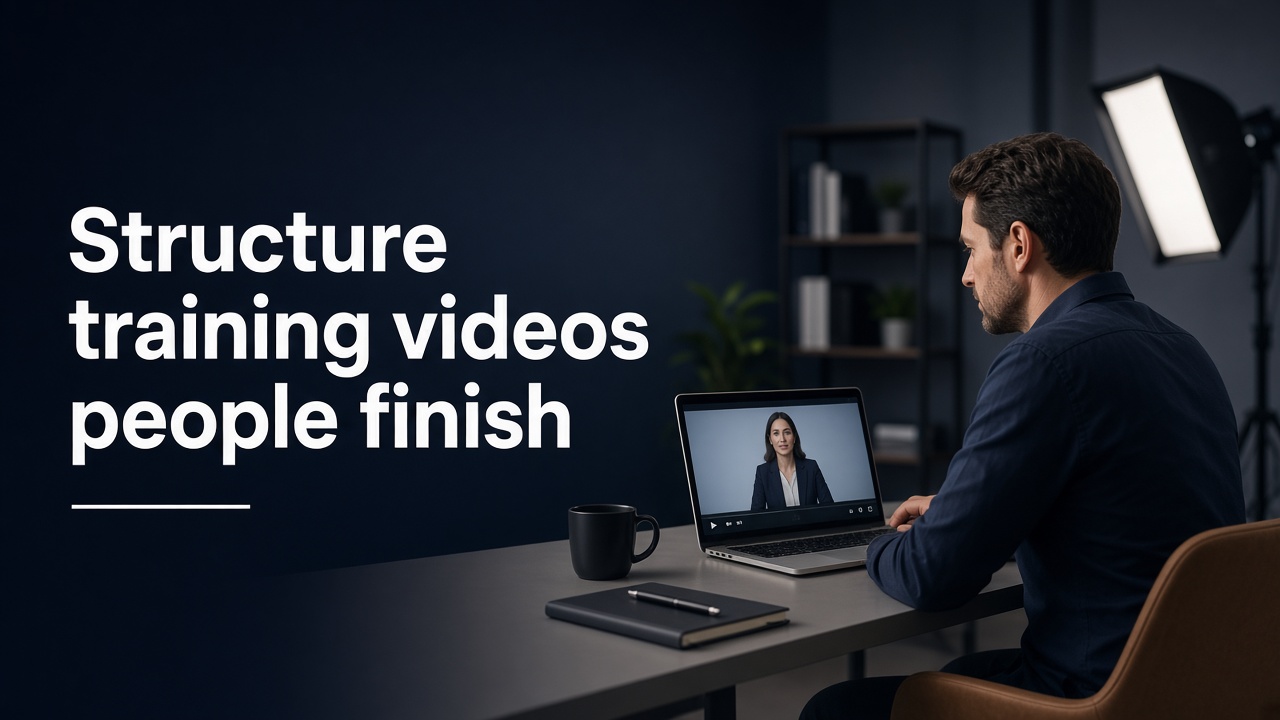
Start with the outcome, not the agenda
Open with one sentence that names what the viewer will be able to do when the video ends.
“By the end of this, you’ll know how to approve an expense in under a minute.” That is clearer than “Today we’re covering the finance portal.” Outcome-first openings reduce drop-off because the viewer knows why they should stay.
If you cannot name the outcome in one line, the training is trying to cover too much. Split it.
Keep one idea per video
A finished training video should teach one skill or one process. Mixing policy, software clicks and culture messaging in the same cut forces the viewer to hold too many threads.
When teams ask for “a quick overview of everything,” push back gently. Three short videos that each land one point usually outperform one long overview that nobody finishes. Short clips are also easier to update when a tool or policy changes.
Show the work early
For process training, get to the demo within the first 20–30 seconds. Talking about the process without showing it burns goodwill. Screen capture, over-the-shoulder footage or a clear on-screen walkthrough makes the learning concrete.
If the presenter needs context before the demo, keep that context short: the problem, the risk of getting it wrong, then the steps. Context that wanders into company history usually belongs in a separate doc, not in the video.
Use a repeatable step pattern
Viewers finish more often when the middle of the video has a predictable rhythm. A pattern that works well: name the step, show the action, call out the common mistake, then confirm what “done” looks like.
That rhythm helps people follow along at their own pace and makes chapter markers or on-screen step numbers worth adding. It also makes QA easier — reviewers can check each step instead of arguing about tone.
End with a check and a next action
Do not fade out after the last click. Close with a quick check: “If you can do X without looking at the guide, you’re set.” Then give one next action — open the tool, try the flow once, or watch the related clip for edge cases.
Training that ends without a next step feels unfinished. Training that ends with a clear check feels useful.
Design for rewatching
People often scrub back. Help them. Use clear on-screen labels, chapter titles and a consistent framing so rewinding to “step three” is easy. Avoid soft background music that fights the voiceover. Prefer natural delivery with small pauses between steps rather than a continuous read that never breathes.
If the training will live on an LMS or intranet, match the file naming and length limits those systems expect before you shoot. Re-exports waste budget.
A simple checklist before you hit record
One outcome in one sentence; one process or skill only; demo on screen within the first half-minute; steps that follow a clear pattern; a finish-line check and next action; labels or chapters for rewatching.
A training video does not need cinematic production. It needs a structure that respects the viewer’s time. When the outcome is clear and the steps are visible early, people finish — and the training actually sticks.