Why captions matter for business video
A large share of business video is watched with the sound off: on a train, in an open-plan office, or scrolling a feed late at night. If your message lives only in the audio, a lot of viewers simply never hear it.
Captions fix that. They also make your videos accessible, easier to follow and more useful across platforms. Here is how to get them right without adding weeks to your schedule.
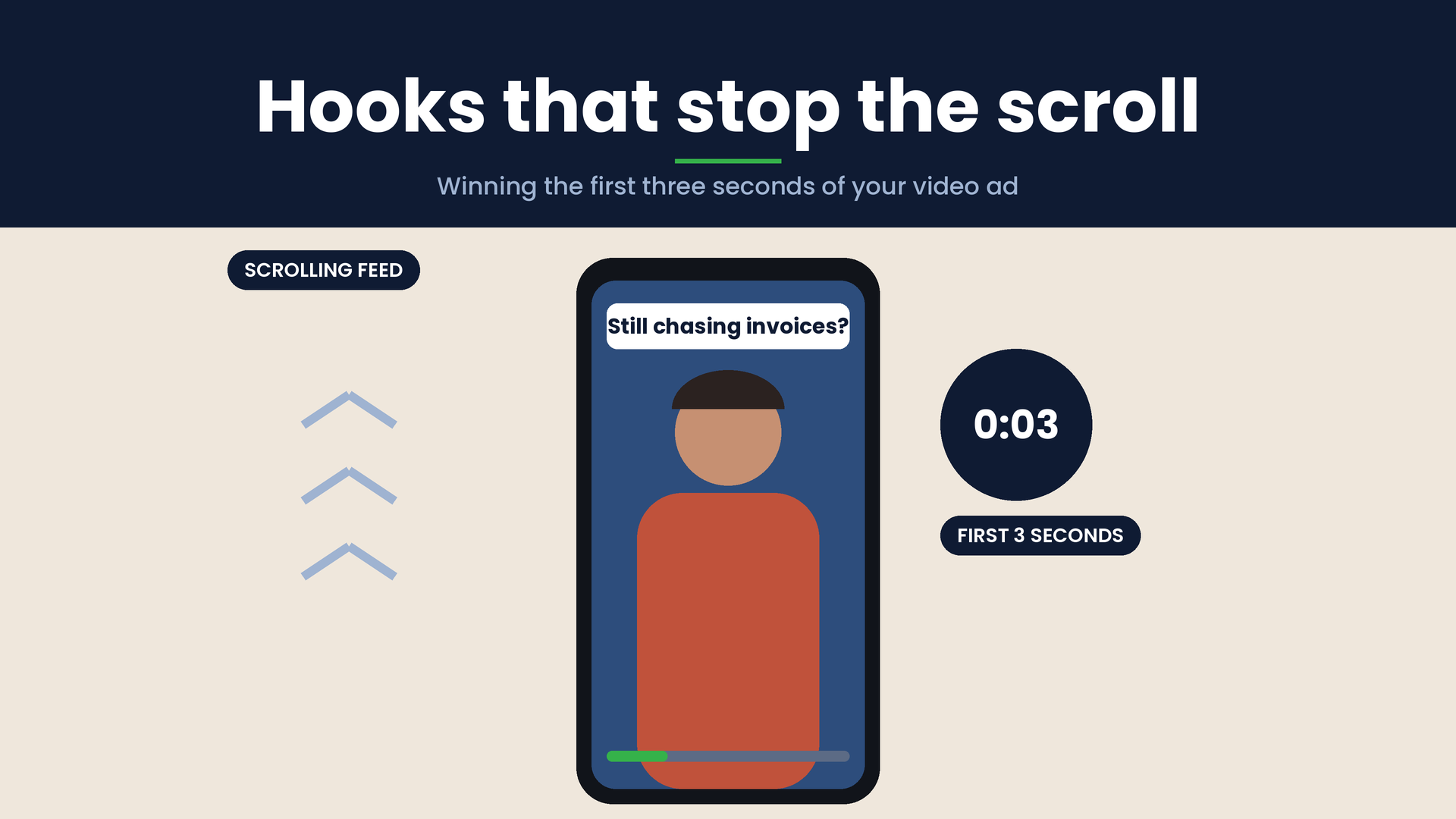
The obvious reason is silent viewing. On social platforms in particular, people decide whether to keep watching before they ever turn the sound on. Captions let your message land in those first few seconds.
Accessibility is just as important. Around one in five adults in the UK has some degree of hearing loss, and captions make your content usable for them. If you work with public sector clients, accessibility standards expect captions on pre-recorded video, so it pays to build the habit now.
Captions also help people whose first language is not English, viewers in noisy places and anyone trying to follow technical detail. Many people simply take in information better when they can read and listen at the same time.
Captions, subtitles and open versus closed
The terms get used interchangeably, but there is a useful difference. Captions transcribe what is said and often include important sounds, such as [music] or [phone rings]. Subtitles usually translate dialogue into another language and assume the viewer can hear.
You also need to choose between open and closed captions. Open captions are burned into the video, so they always show. They suit social clips, where autoplay is silent and you want full control over the look. Closed captions are a separate file, usually an SRT or VTT, that viewers can switch on or off. They suit your website, YouTube and training platforms, and they can be edited later without re-exporting the video.
Many businesses use both: burned-in captions for social cut-downs and a closed caption file for the full-length version.
Accuracy comes first
Automatic captioning tools have improved a lot and are a sensible starting point. They still make mistakes, and the mistakes tend to land on exactly the words that matter most: your company name, product names, people’s names, jargon and numbers.
Always have someone read the captions against the video before publishing. A caption that says “cloud-based payroll” when your presenter said “crowd-based payroll” looks careless, and a wrong figure in a sales video can cause real confusion. Give your editor a short glossary of brand and product terms up front, and the checking goes much faster.
Make them easy to read
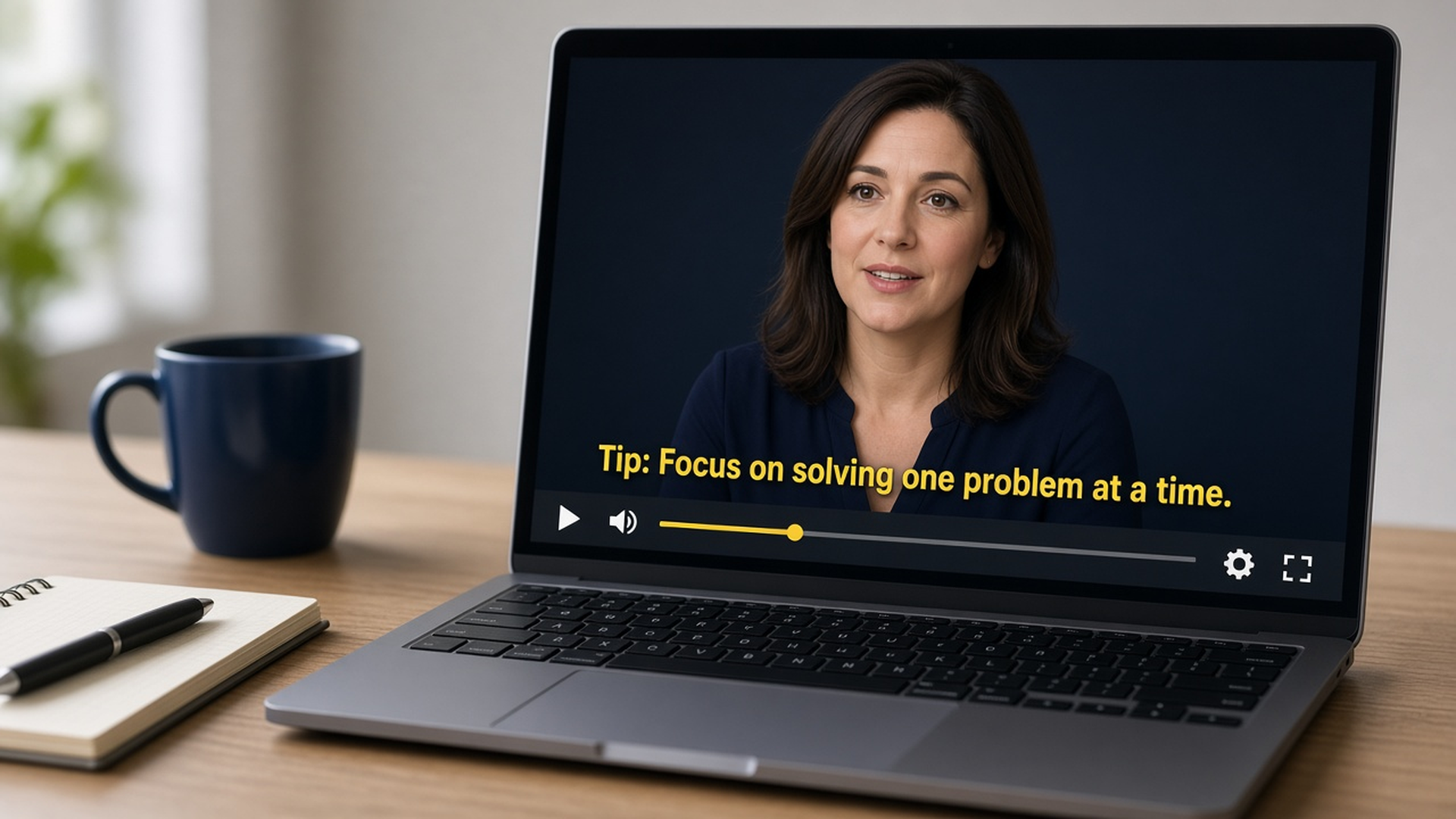
Good captions are read without effort. Keep each caption to one or two lines and break lines at natural pauses, not halfway through a phrase. Leave each caption on screen long enough to read comfortably; if the speaker talks very quickly, light editing of filler words is fine, as long as the meaning stays the same.
Use a clean, simple typeface at a size that works on a phone, with strong contrast: white or yellow text with a dark outline or a semi-transparent background box works on almost any footage. Keep captions clear of lower-third name titles, logos and on-screen graphics, and remember that platform buttons sit at the bottom and right of vertical video.
Match the style to the platform
For social clips, captions are part of the design. Brand colours, a bolder font and highlighting a key word can help, but do not let styling get in the way of readability.
For website videos, training and internal communications, keep things understated and consistent. Upload a closed caption file so viewers can choose, and so search engines and platforms can read the text. For international audiences, add translated subtitle files rather than making separate videos.
Build captions into your workflow
Captions are easiest when they are planned, not bolted on. A clear script makes transcription quicker and more accurate. Leaving space in the frame for text helps the edit, and agreeing caption style once means every video in a series looks consistent.
Ask for captions as a standard deliverable, along with the caption file, and check them as part of your normal review round rather than as a separate job at the end.
Getting your captions right
Captions help more people watch, understand and act on your video, and done well they barely get noticed. At Screen Promos we script, film and edit business videos with captions and subtitle files built into the delivery, styled to suit each platform. If you would like help making your next video work with the sound off, get in touch and we will talk it through.